Month-end eBRC work can become a scramble: export invoices, shipping bills, bank realisations, remittance references, and supporting documents all need to line up.
Use this checklist before you close the month. It’s designed to work whether your team manages eBRCs manually, through spreadsheets, or with software.
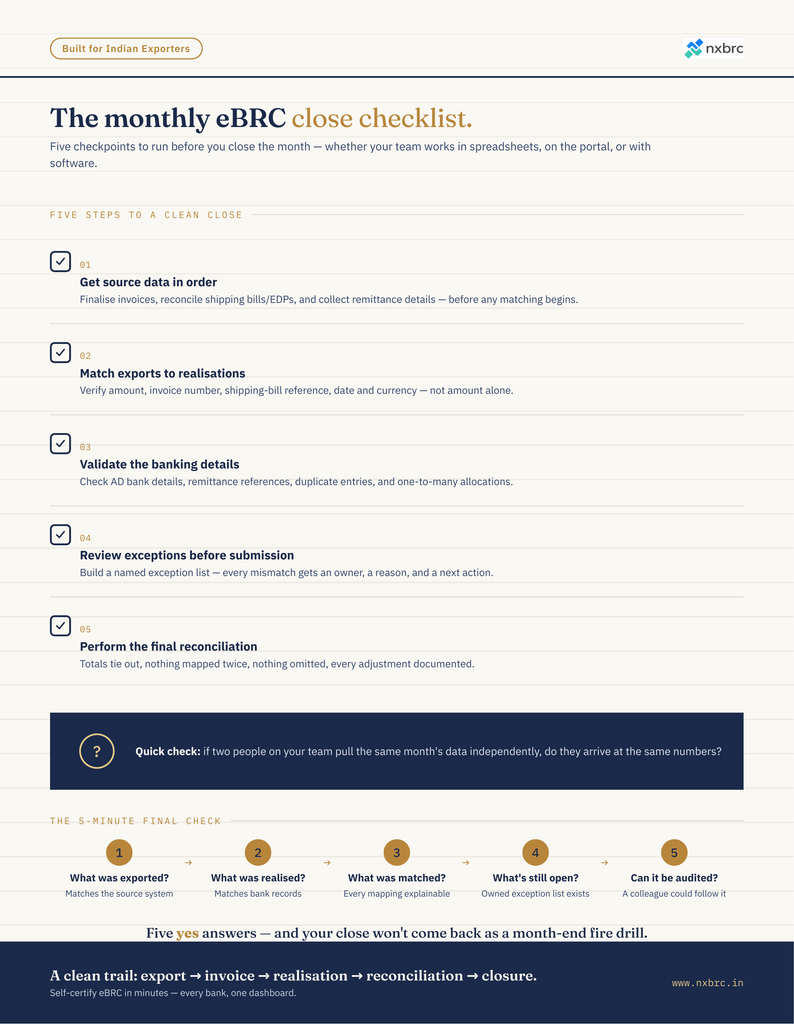
1. Get your source data in order
- Finalise the month’s export invoice list.
- Confirm invoice numbers, dates, currencies, values, and buyer details.
- Reconcile shipping bills/EDPs with the relevant export invoices.
- Collect bank realisation and remittance details for the period.
- Check that every relevant inward remittance has a clear reference.
- Identify open invoices, partial realisations, advances, cancellations, and adjustments.
Quick check: If two people pull the same month’s data, do they get the same numbers?
2. Match exports to realisations
For each export transaction:
- Match the export invoice to the corresponding bank realisation.
- Verify the realised amount against the invoice value.
- Investigate short payments, deductions, bank charges, and exchange-rate differences.
- Correctly identify partial payments rather than treating them as fully realised.
- Track excess or unmatched realisations separately.
- Document the reason for every unresolved mismatch.
Don’t rely on amount alone. Invoice numbers, shipping-bill references, remittance details, dates, and currency should also make sense.
3. Validate the banking details
- Verify AD bank details and branch information.
- Check remittance references against bank records.
- Confirm the realisation date and currency.
- Ensure duplicate bank entries have not been included.
- Check whether one remittance has been allocated across multiple invoices.
- Review old/unallocated realisations before creating new mappings.
4. Review exceptions before submission
Create an exception list rather than letting mismatches disappear into the spreadsheet. Flag:
- Unmatched invoices
- Unmatched realisations
- Partial realisations
- Over-realised amounts
- Duplicate mappings
- Missing or inconsistent references
- Currency/value discrepancies
- Transactions requiring internal clarification
For every exception, assign an owner, reason, and next action.
5. Perform the final reconciliation
Before closing the cycle, confirm:
- Total export value agrees with the source export records.
- Total realisation value agrees with bank records.
- All completed matches have supporting documentation.
- Outstanding items are separately identified.
- No invoice has been mapped twice.
- No realisation has been accidentally omitted.
- Adjustments and deductions have been reviewed and documented.
The 5-minute final check
Ask five questions:
- What was exported? Does the export population agree with the source system?
- What was realised? Does the bank data agree with your records?
- What was matched? Can every completed mapping be explained?
- What’s still open? Is there a clearly owned exception list?
- Can someone else audit this? Would another finance team member understand how you arrived at the final numbers?
If the answer to all five is yes, your monthly cycle is much less likely to come back as a month-end fire drill.
Keep this as your month-end control
A reliable eBRC process isn’t just about getting submissions done. It’s about maintaining a clean trail from export → invoice → bank realisation → reconciliation → closure.
The best process is one where exceptions are visible early, ownership is clear, and the final numbers can be explained without reconstructing the entire month from emails and spreadsheets.
Save this checklist and run it before every monthly eBRC close — whatever tools you’re currently using to get there.
Want fewer exceptions to chase in the first place? Get in touch with us to explore how NXBRC can help with your eBRC complaince.